A store organised by season
If listing an item means writing to someone and waiting, the online store is always behind what you have in the physical shop. And since many clothing items sell in a single size, by the time they are finally online there may be none left.
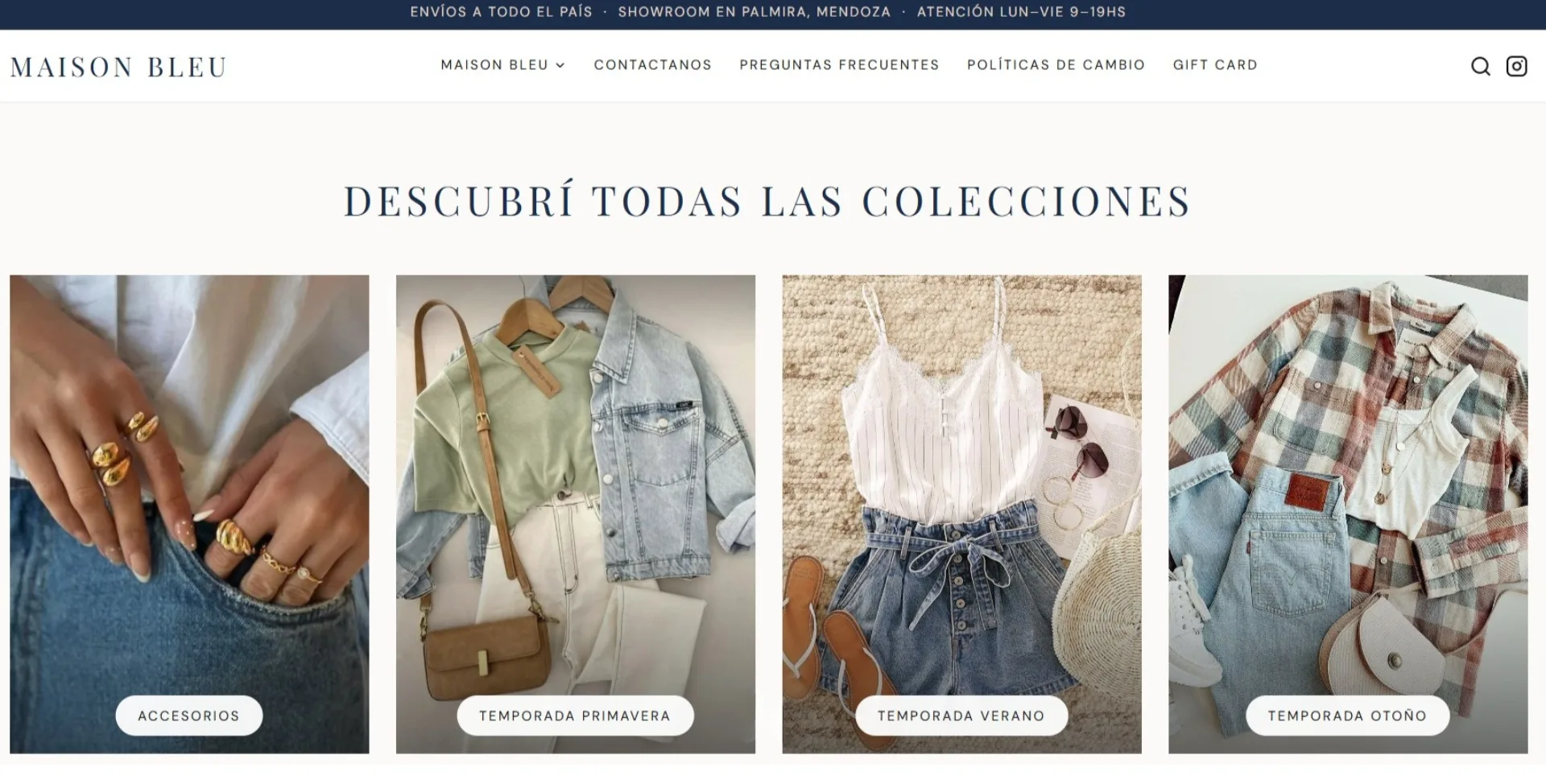
That is why we organise the store by season, the same way you already plan the collection. Maison Bleu has summer, spring, autumn and accessories, and when the season changes there is no need to hunt item by item through a huge list.
Several photos per item, with size and colour
In clothing, photos weigh heavily in the decision to buy. One image is not enough, because customers want to see the fabric, the length and how the item hangs.
Each listing has several photos, and you choose which one is the cover. Next to them go the size, the colour and a short description of the fabric or cut, and when an item sells out you mark it with a checkbox without having to delete it.
You upload the products yourself from your phone
The item gets photographed on a phone, so it makes sense to upload it from there too. That is why the panel is built to be used from your phone, without a computer and without touching code. The store your customers see is also built for buying on a phone, with photos at a good size and the size and colour easy to choose.
Along with the panel we record videos explaining how it works, so you can watch them again whenever you need to. That is what we did for Maison Bleu, who wanted to be autonomous, and now they upload the products themselves.
What it includes
- A store organised by season and collection.
- Several photos per item, with you choosing the cover.
- A listing with size, colour and a description of the fabric or cut.
- Sold out items marked with a checkbox, without deleting them.
- A panel to upload and edit products from your phone.
- Videos explaining how to use the panel.
- A store built for easy buying on a phone.
Everything we can do for your business: see how we help